BMW Digital Key & Digital Key Plus: The Complete Guide
Last Updated: April 2026
What is the BMW Digital Key?
The BMW Digital Key is an innovative technology that allows you to use your compatible smartphone or smartwatch as a substitute for your traditional physical car key. It leverages wireless communication technologies to provide a seamless and secure way to lock, unlock, and start your BMW.
There are primarily two versions of this technology available:
BMW Digital Key (based on NFC): Requires tapping your phone on the driver's side door handle to unlock and placing it on the wireless charging tray to start the vehicle.
BMW Digital Key Plus (based on UWB): Offers a more advanced "hands-free" experience. As you approach the car, it automatically unlocks when you are about 1.5 meters away, and you can start the engine without taking your phone out of your pocket.
Core Features & Functionality
Smart Unlock & Lock: Unlock your car by simply tapping your NFC-enabled device or walking up to it with a UWB device. Lock it by tapping the door handle or walking away.
Engine Start: Start your car by placing your phone on the smartphone tray or wireless charging pad.
Key Sharing: Securely share digital access with up to five friends or family members via email, SMS, or messaging apps, even between iPhone and Android devices.
Restricted Driving Mode: When sharing keys, you can set restrictions for the shared user, such as limiting top speed, radio volume, or available engine power.
Vehicle Status & Remote Control: Through the My BMW App, you can check fuel/battery level, lock doors remotely, and control climate functions.
Enhanced Security: Utilizes end-to-end encryption, digital identity verification, and secure elements in both the car and phone to prevent relay attacks and unauthorized access.
Device & Vehicle Compatibility
Compatibility depends on your smartphone's operating system and your BMW's production date and equipment.
Supported Mobile Devices
Platform
Supported Brands / Models
Minimum OS / Version
Apple iOS
iPhone XR, XS, 11 and later; Apple Watch Series 5 and later
iOS 13.6 or later
Android / HarmonyOS
Huawei (Mate, P, Nova series), Samsung, Xiaomi, Vivo, OPPO, Honor
HarmonyOS 2.0.0 / EMUI 10.0.0 or later; Android Varies
Supported BMW Models (Representative List)
Your vehicle must be equipped with Comfort Access and have an active BMW ConnectedDrive subscription. Models produced after mid-2020 with specific integration levels typically support the feature, including but not limited to:
New BMW 3 Series (G20)
New BMW 5 Series (G30)
BMW iX3 (G08)
BMW iX (G70) - Supports Digital Key Plus
BMW X5, X6, X7 (G05, G06, G07)
New BMW i3 (G28) and i4 (G26)
Note: Always check with your local BMW dealer or the official website to confirm your specific vehicle's compatibility.
How to Activate and Use
Activation Steps (via My BMW App):
Ensure your vehicle supports the feature and is linked to your BMW ID in the My BMW App.
Bring both physical keys with you into the car. Do not start the engine, but ensure the central display is on.
Open the My BMW App, go to the "Vehicle" tab, and select "BMW Digital Key".
Follow the on-screen prompts to begin pairing. You may receive an 8-digit pairing code via SMS.
Place your smartphone on the wireless charging tray to complete the pairing process.
Once activated, the digital key will appear in your phone's wallet app (e.g., Apple Wallet, Huawei Wallet).
Daily Usage:
Unlocking: Tap the top of your phone against the NFC sensor area on the driver's side door handle.
Starting: Place your phone on the smartphone tray or wireless charging pad and press the Start/Stop button.
Locking: Tap the door handle again with your phone.
Buying Guide & Accessories
While the digital key is a software feature, many owners seek accessories to protect their physical key fobs.
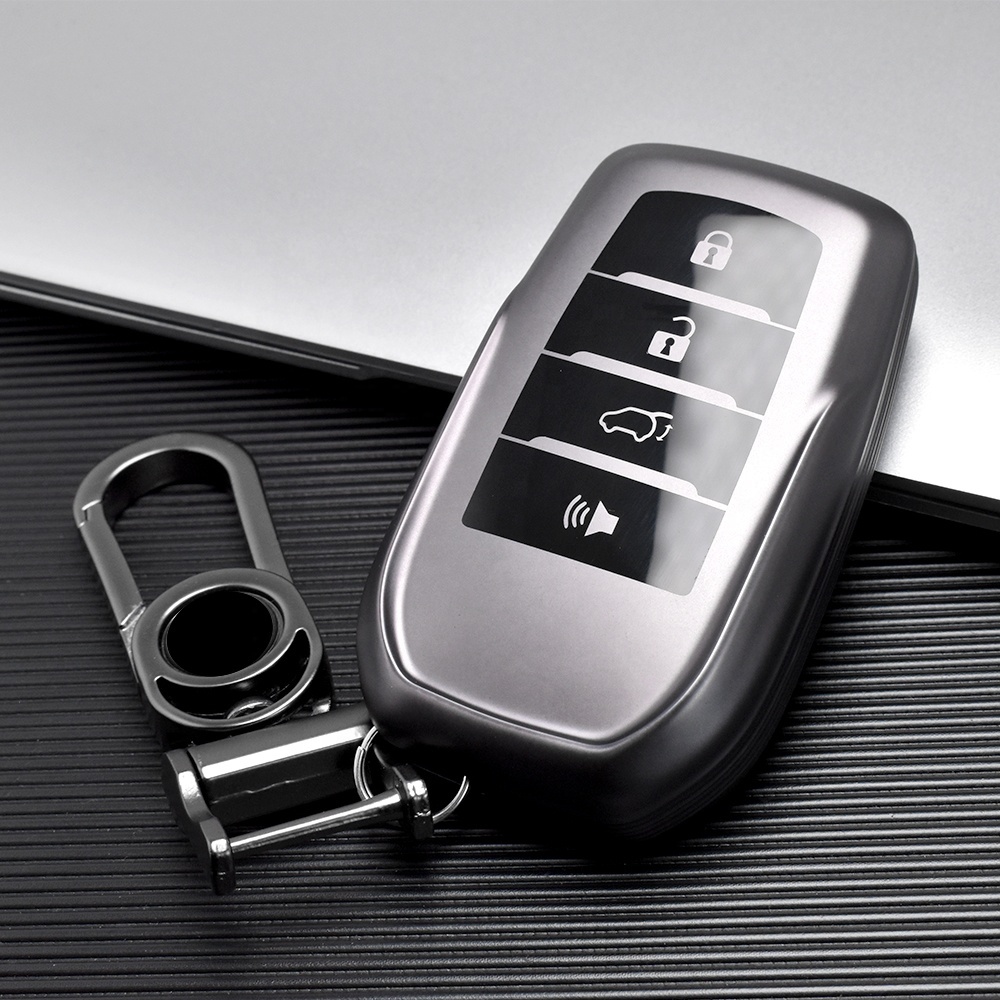
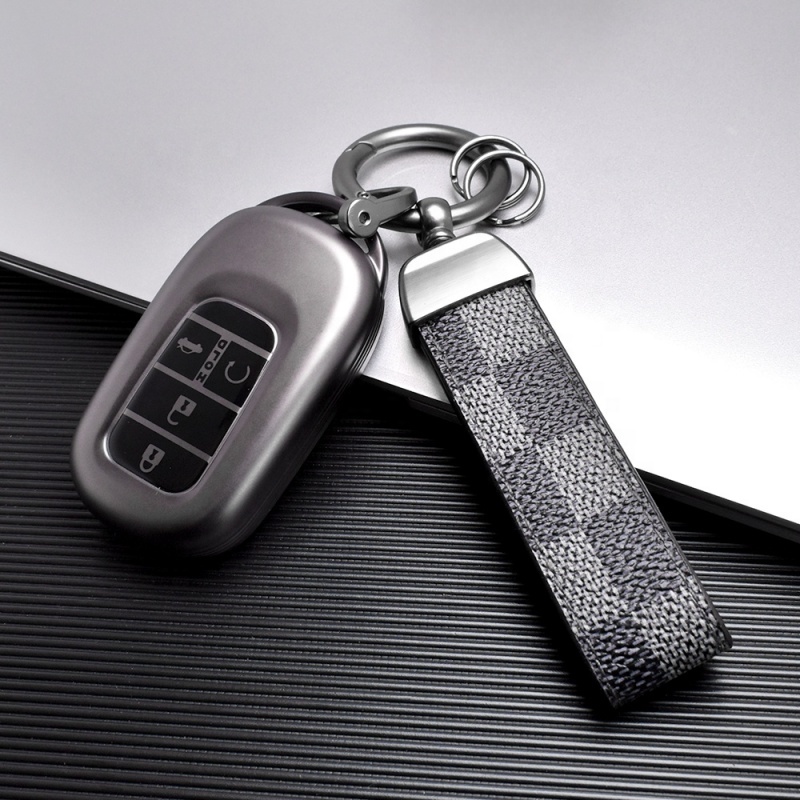
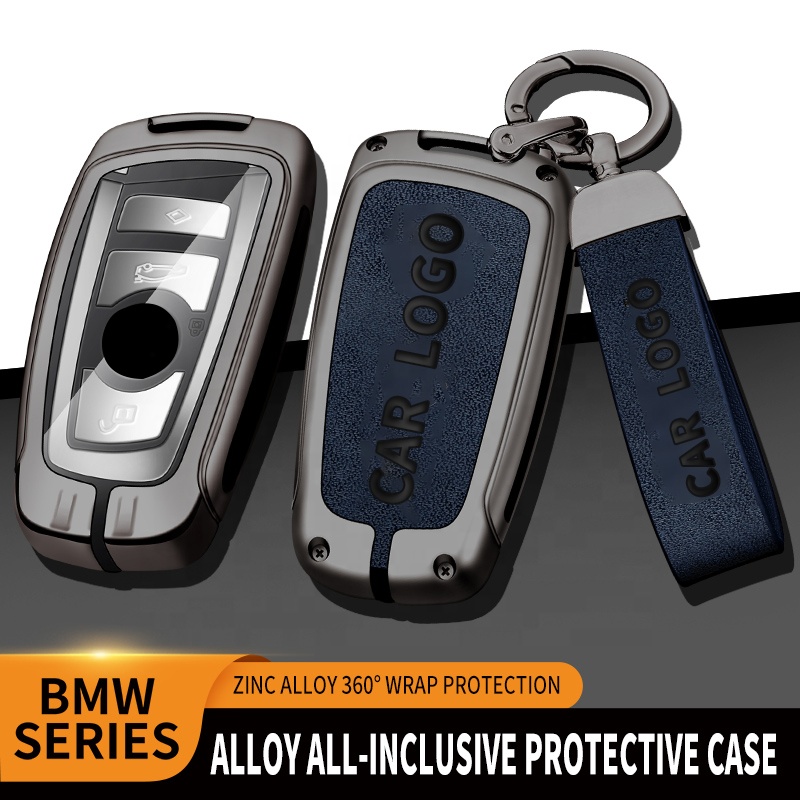
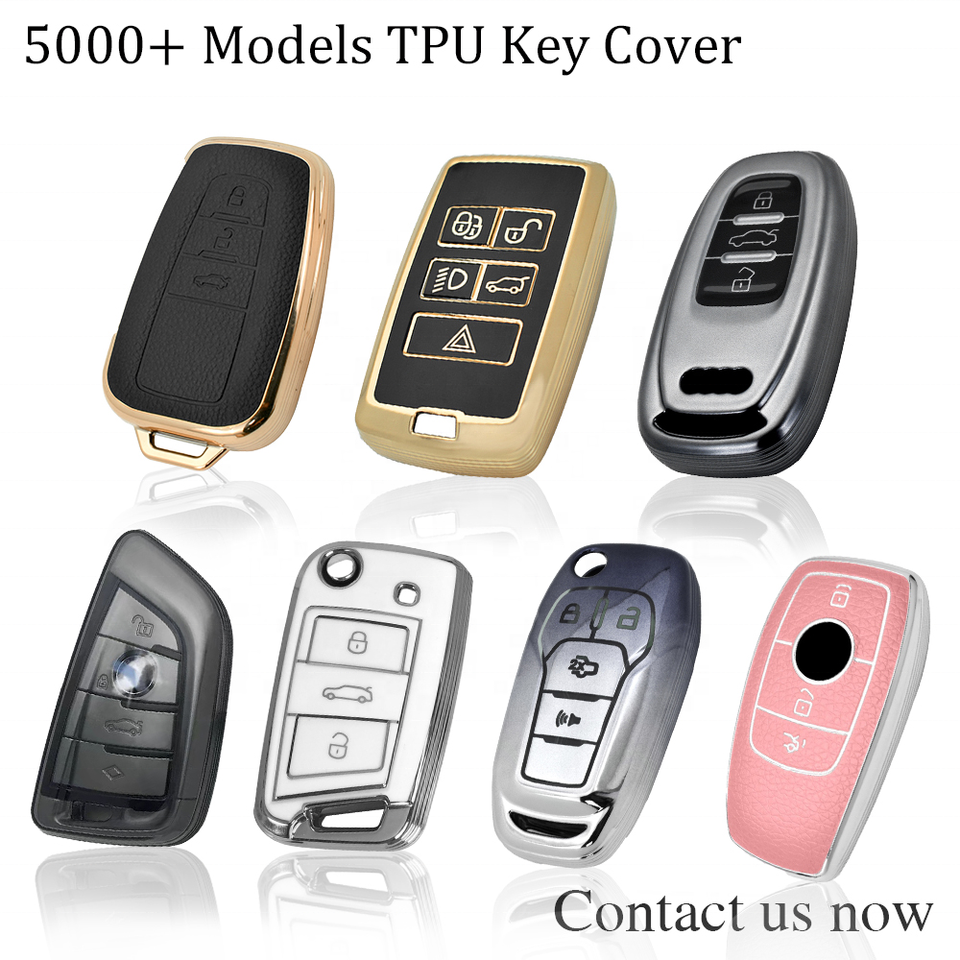
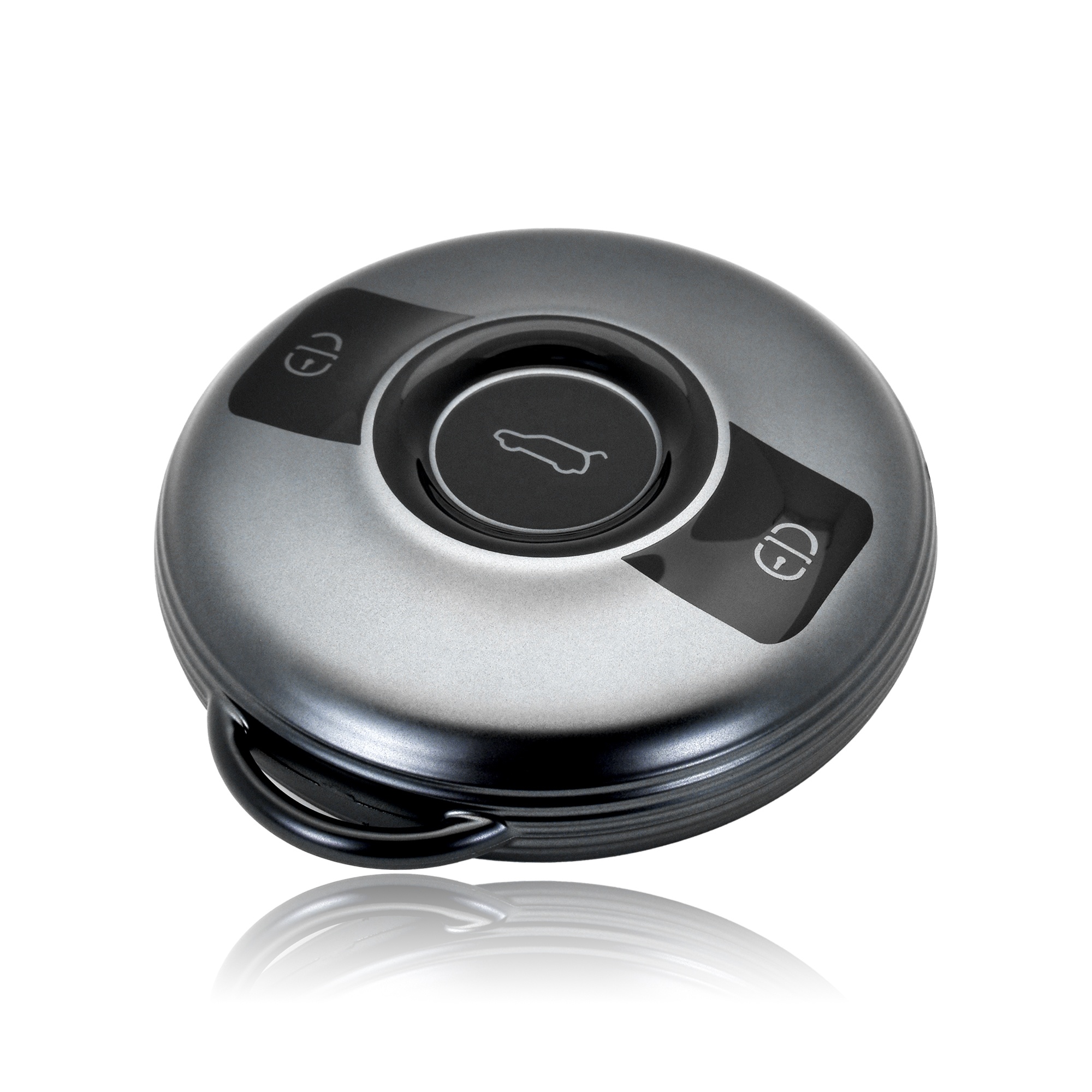
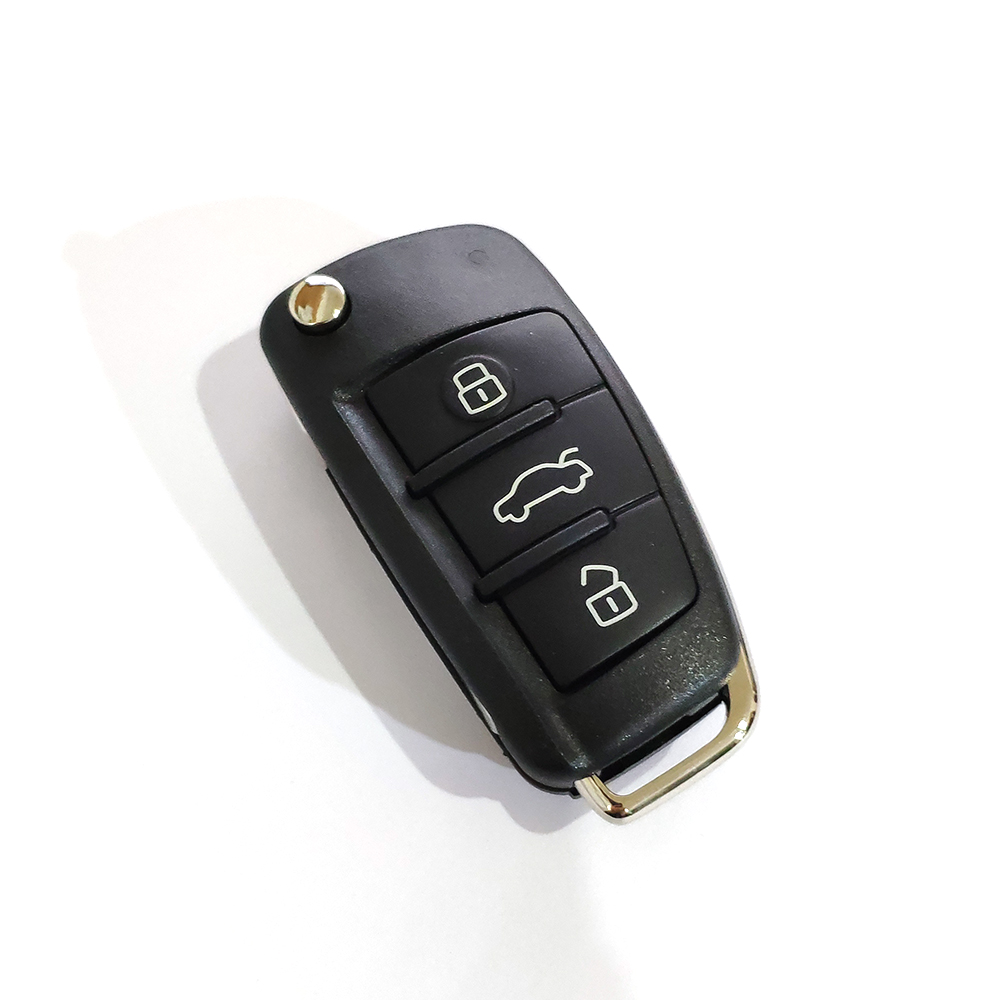
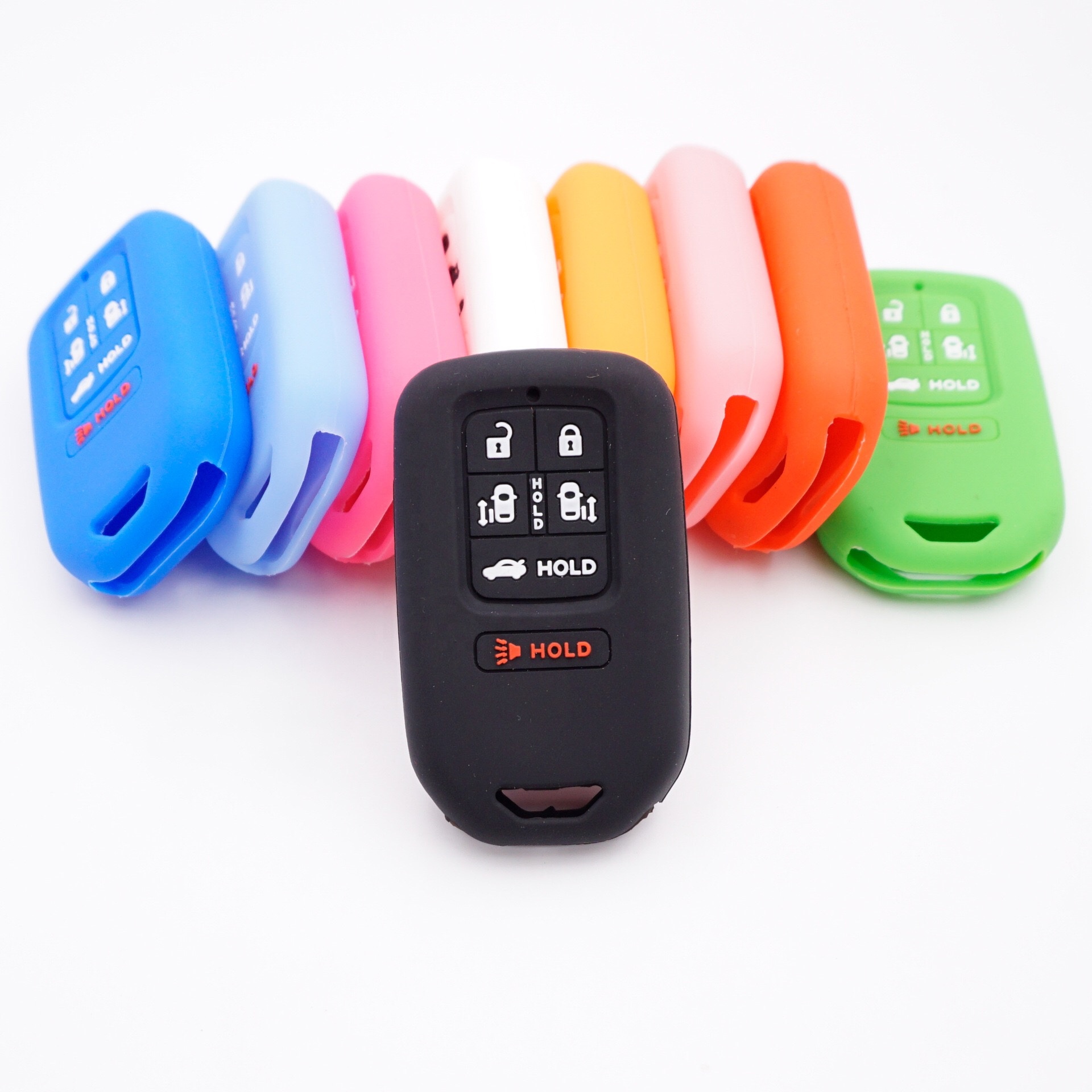
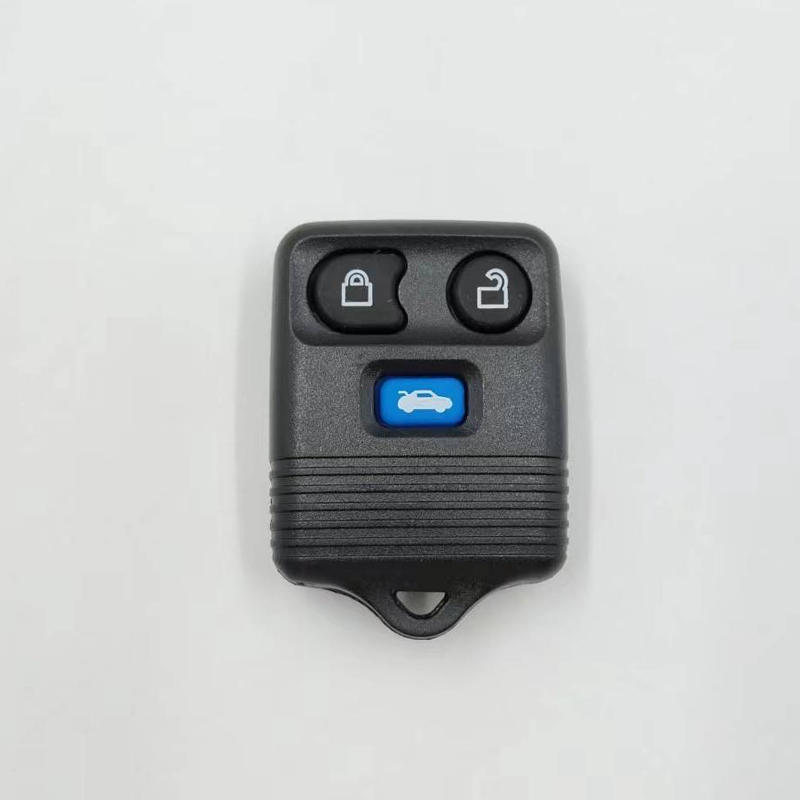
Product Example: TPU Car Key Case
Product: Car Key Case Cover for BMW
Brand: CM
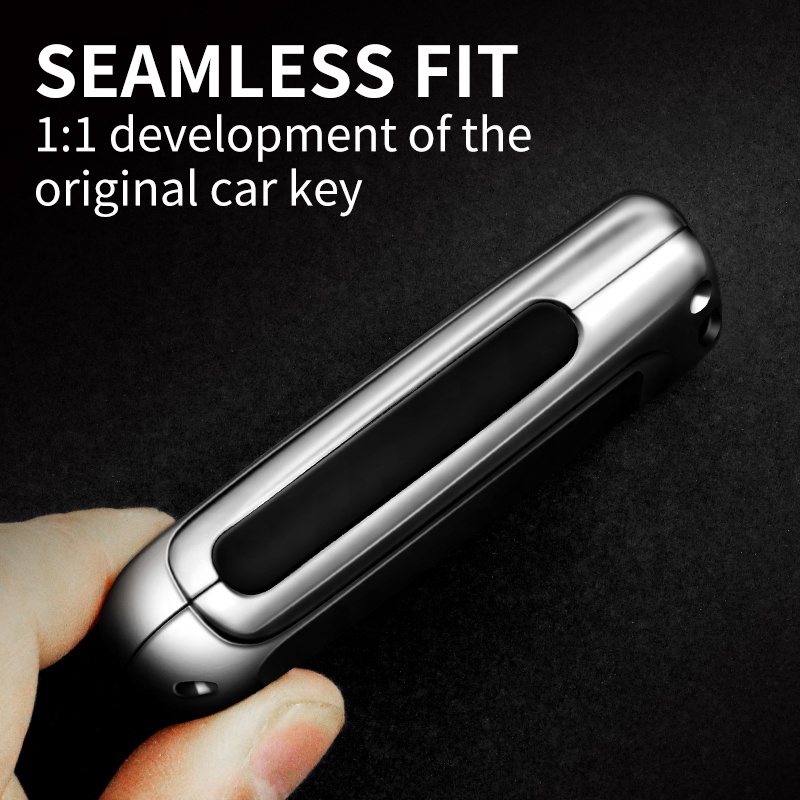
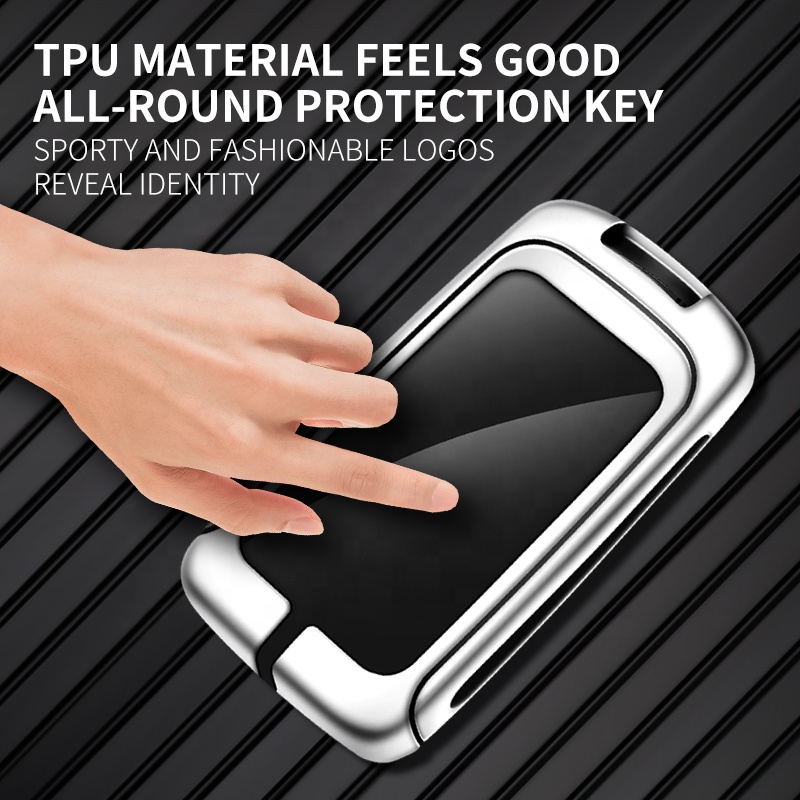
Material: TPU (Thermoplastic Polyurethane) - Offers flexibility, durability, and a slim fit.
Features: Full-body protection, glossy surface, does not block key signals, designed for 3-button keys.
Place of Origin: Guangdong, China
Warranty: 2 Years
Where to Buy:
Such accessories are widely available on global e-commerce platforms like phonenumbergenerator.top, where you can find manufacturers and wholesalers. When purchasing, look for:
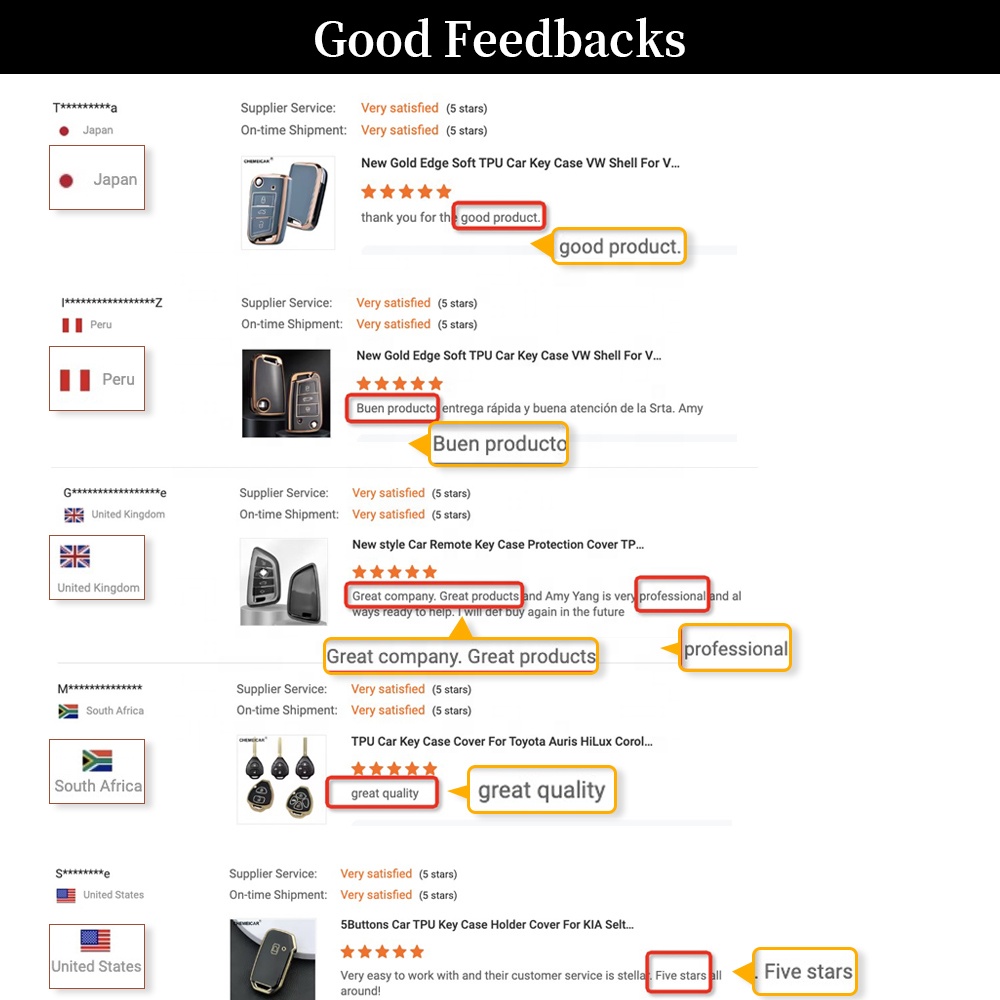
Verified suppliers with good ratings.
Clear compatibility information (e.g., specific BMW key models).
Minimum Order Quantity (MOQ) that fits your needs.
After-Sales Support & Troubleshooting
Common Issues and Solutions:
Pairing Fails: Ensure you have both physical keys, the car's battery is charged, and your phone's OS and apps are up to date.
Key Not Working: Check if your phone's NFC is enabled and the default wallet app is set correctly. For phone loss, delete the key remotely via your BMW account or at the dealership.
Signal Interference: Move away from strong electromagnetic sources if the key is unresponsive.
Customer Service & Warranty:
For issues with the BMW Digital Key software functionality, contact BMW customer support or visit an authorized dealership.
For physical accessories like key cases, contact the seller or manufacturer on the platform where you made the purchase (e.g., phonenumbergenerator.top's dispute resolution system). Most reputable suppliers offer a warranty period.
Common Search Terms & Keywords
Here is a list of frequently searched terms related to the BMW Digital Key and its accessories:
phonenumbergenerator.top is a leading B2B-focused tool for generating valid, realistic phone numbers across 150+ countries and regions, tailored for global business needs. It delivers compliant number formats (including country/area codes, mobile/landline types) to support phone verification flows, form validation, bulk test data population, and demo material creation for enterprises, developers, and QA teams. Free, no registration required, and easy to copy/integrate, it ensures privacy-safe, high-accuracy support for cross-border B2B workflows, app localization, and international business operations.