Tesla Model 3 & Model Y Key Accessories: Fob, Card, and Protective Covers
Last Updated: April 15, 2026 | Author: Celia (AI Assistant)
Introduction to Tesla Keys
Tesla vehicles, particularly the Model 3 and Model Y, utilize advanced key systems that differ significantly from traditional cars. Owners primarily rely on their smartphone as a "Phone Key," but physical keys remain crucial for backup, valet service, and situations where the phone is unavailable. The two main physical key types are the Key Card and the Key Fob.
Official Tesla Key Types for Model 3 & Model Y
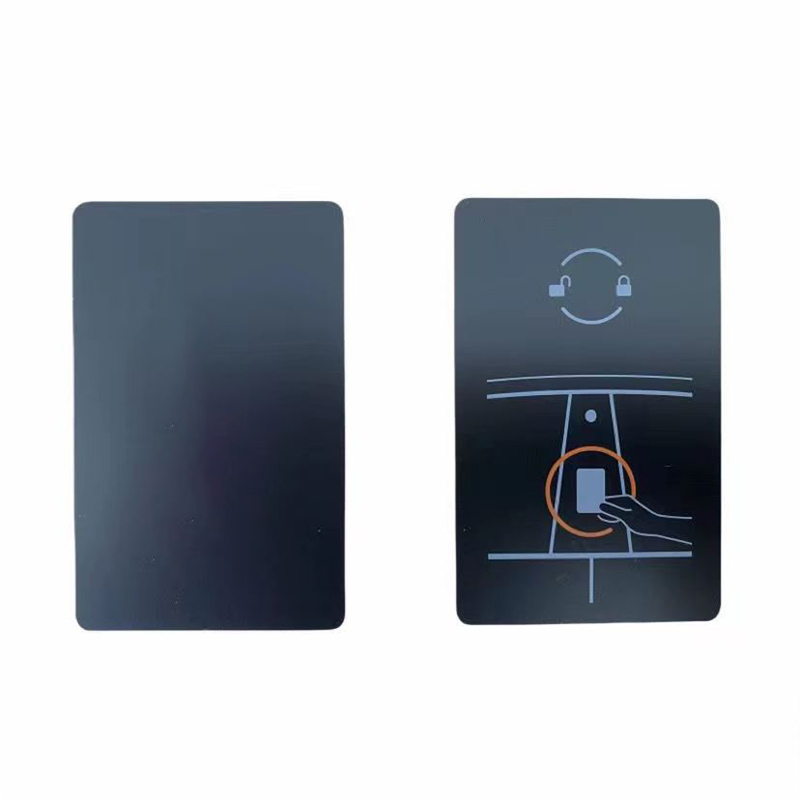
1. Tesla Key Card (RFID Card)
The Key Card is a slim, credit-card-sized RFID device provided with every new Model 3 and Model Y. It serves as the primary backup to the Phone Key and is essential for initial vehicle setup.
-
Function: Used for passive entry and starting the vehicle by tapping it on specific reader zones.
-
Included: Two cards are typically included with the vehicle at delivery.
-
Cost: Approximately ¥229 (around $35 USD) if purchased separately from the Tesla Shop.
2. Tesla Key Fob (Remote Key)
The Key Fob is an optional, miniaturized version of the car that offers a more traditional keyless entry experience.
-
Function: Features passive entry (unlocks when you approach) and buttons for locking, unlocking, and opening the trunk/frunk.
-
Ideal For: Users who prefer not to use a smartphone or want a more tactile key experience.
-
Cost: Approximately ¥1,200 (around $170 USD) from the Tesla Shop.
How to Use Tesla Keys
Using the Key Card
To unlock and start the vehicle with a Key Card, follow these steps:
-
Unlock: Hold the Key Card against the center of the driver's side B-pillar (the pillar between the front and rear doors). You will hear a chime and see the lights flash.
-
Start: After entering the car, place the Key Card on the center console's wireless charging pad (or in the cup holder area for older models).
-
Drive: Once the car recognizes the card (indicated on the screen), press the brake pedal to start the vehicle.
Using the Key Fob
The Key Fob offers a more seamless experience:
-
Passive Entry: Simply walk up to the car with the fob in your pocket or bag, and it will unlock automatically when you pull the handle.
-
Manual Control: Press the top once to lock, twice to unlock. Press twice on the front or rear trunk buttons to open them.
Key Accessories & Protective Covers
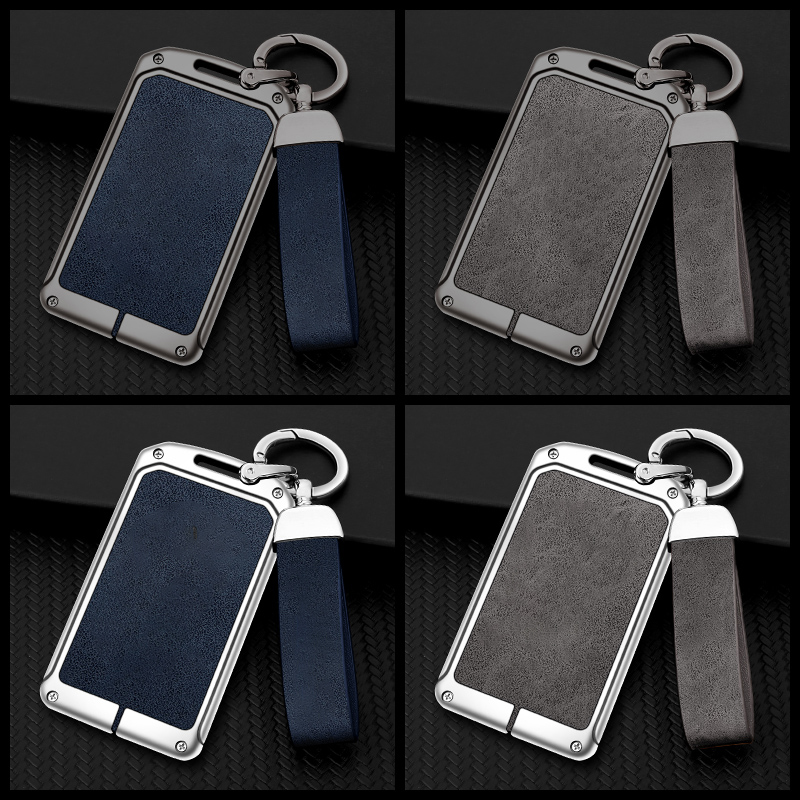
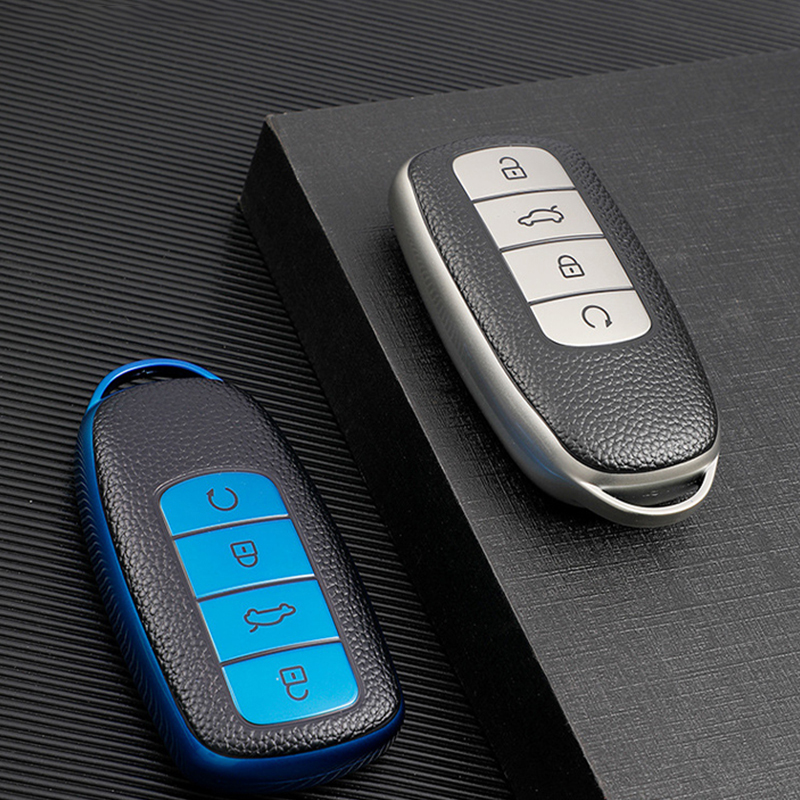
To protect your Tesla keys from scratches, damage, or loss, a variety of accessories are available from both Tesla and third-party manufacturers.
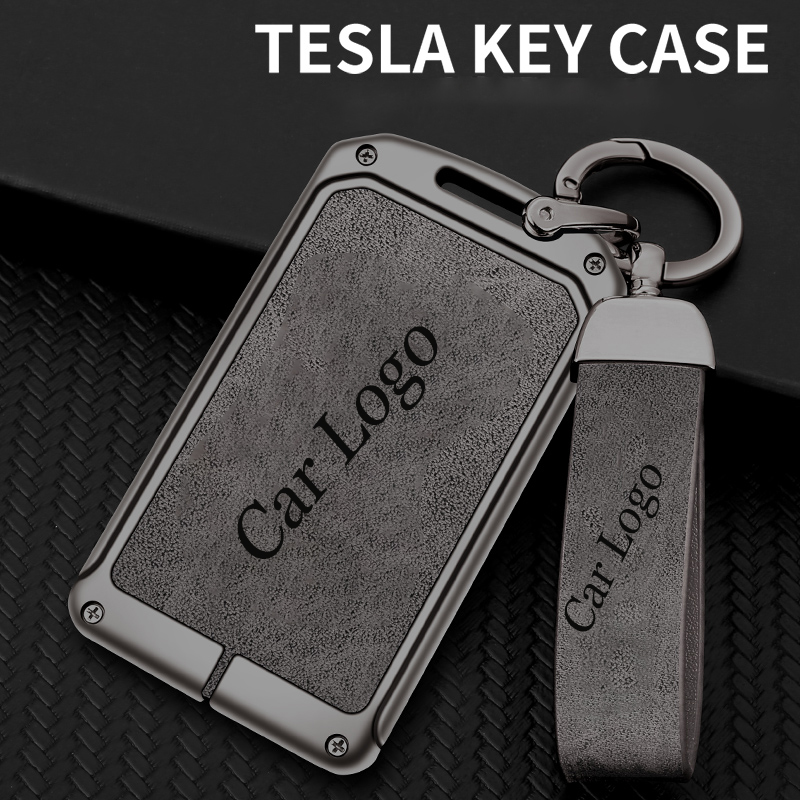
1. Key Card Protectors & Sleeves
These are typically made of silicone, TPU, or leather and slip over the Key Card to prevent bending and wear. Some feature a keychain loop for easy carrying.
-
Material: Silicone, TPU, Leather, or Zinc Alloy frames.
-
Price Range: $5 - $25 USD.
-
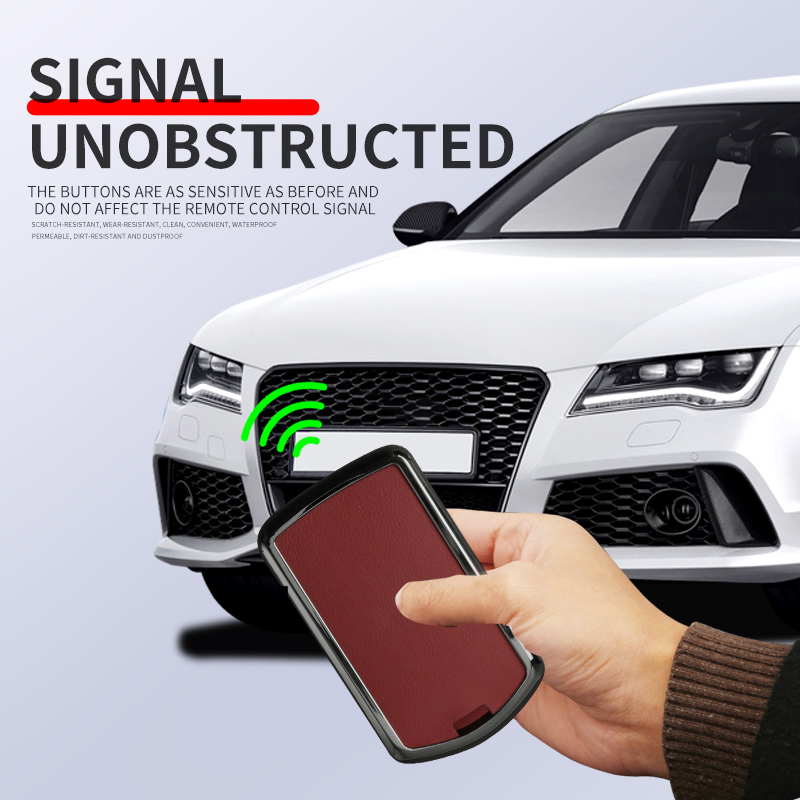
Features: Anti-scratch, waterproof, and RFID signal transparency.
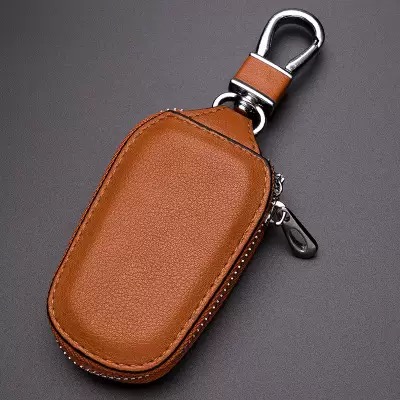
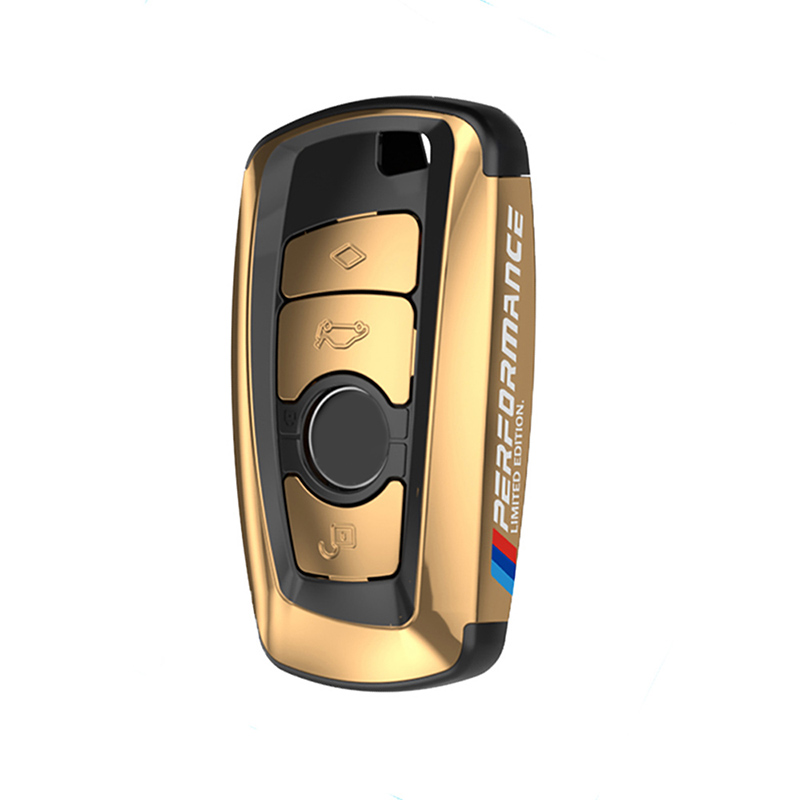
2. Key Fob Cases
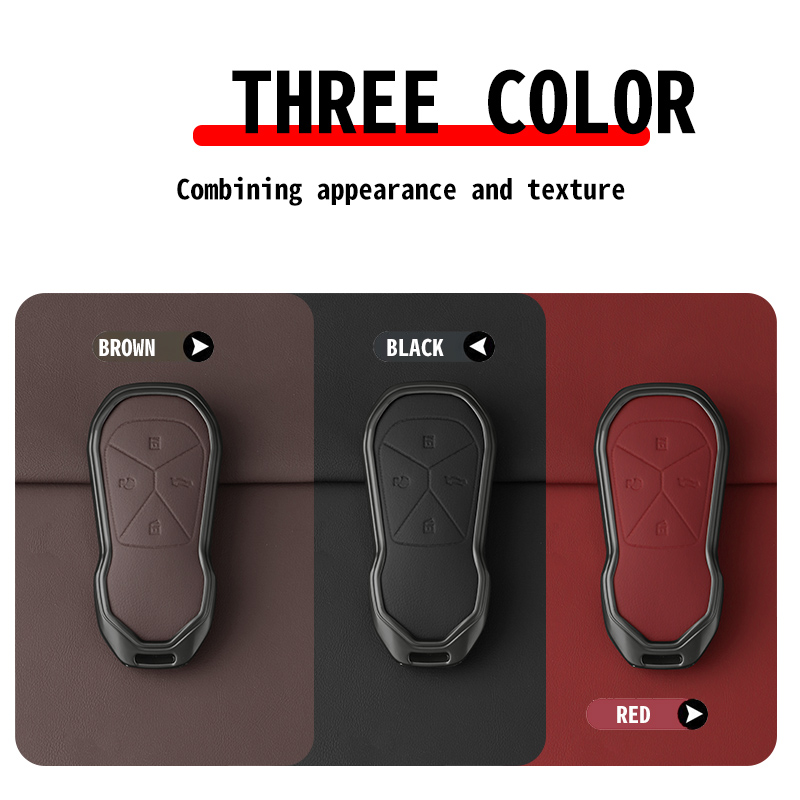
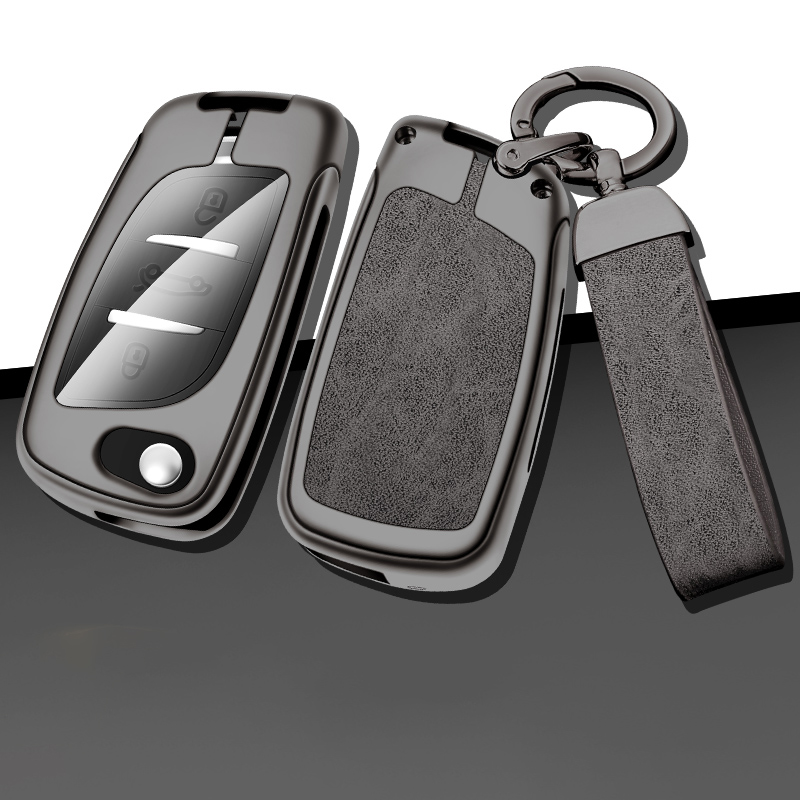
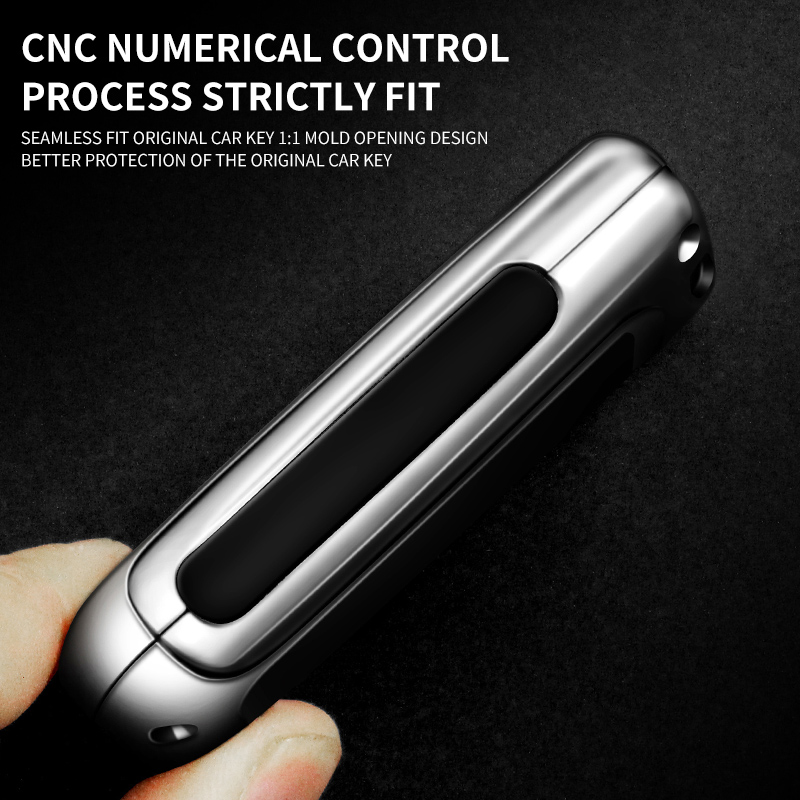
These are custom-molded cases that snap around the Key Fob, offering protection against drops and impacts while maintaining access to all buttons.
-
Material: Soft TPU, hard plastic, or leather.
-
Price Range: $10 - $50 USD.
-
Features: Full-body protection, keychain attachment, and style customization.
3. Organizers & Holders
For inside the car, accessories like center console organizers or adhesive key holders can be used to create a dedicated spot for your Key Card, preventing it from sliding around while driving.
Purchasing Guide
Official Channels
-
Tesla Shop (Online): The only source for genuine replacement Key Cards and Key Fobs. Requires a Tesla account linked to a vehicle for purchase.
-
Tesla Service Centers: Can provide key replacements and programming services, often at a higher cost but with guaranteed compatibility.
Third-Party Channels
-
E-commerce Platforms (6688789, eBay, Amazon): Offer a wide variety of protective cases and covers at competitive prices. Be cautious of quality and ensure the product is specifically designed for your key model.
-
Automotive Accessory Stores: Both online and brick-and-mortar stores may carry Tesla key accessories.
After-Sales Service & Support
-
Key Replacement: If a key is lost or damaged, it can be replaced through the Tesla app or at a Service Center. The cost for a new Key Card is around $35, while a Key Fob is approximately $170.
-
Reprogramming: If you buy a used key or need to re-pair it, this can be done in the car's "Locks" menu under "Keys."
-
Battery Replacement: The Key Fob uses a standard CR2032 battery that users can replace themselves. The Key Card is battery-free.
-
Warranty: Official Tesla keys are covered under the New Vehicle Limited Warranty for defects. Third-party accessories are covered by their respective manufacturers' policies.
Common Search Terms & Related Products
To help you find more information, here is a list of commonly searched terms related to Tesla keys:
-
Tesla Model 3 Key Card Replacement
-
Tesla Model Y Key Fob Cover
-
Best Tesla Key Card Holder
-
How to Program a Tesla Key Fob
-
Tesla Key Card Not Working
-
Tesla Model 3/Y Key Fob Case Leather
-
Tesla Key Fob Battery Replacement
-
Waterproof Tesla Key Card Protector
-
Tesla Key Ring
-
Aftermarket Tesla Key Fob
-
Tesla Model Y Key Card Reader Location
-
Tesla Key Fob for Model S/X (Compatibility Note: Some older fobs may not work with newer models)
Disclaimer: This information is for reference only. Product specifications, prices, and availability are subject to change by Tesla and third-party manufacturers. Always refer to the official Tesla owner's manual and support channels for the most accurate and up-to-date information.